TeamViewer QuickSupport
TeamViewer
Downloads
50,000,000+
Source
Google Play
Advertisement
Click to download now, finish the installation quickly, and directly unlock the all-round experience
Advertisement
Screenshots
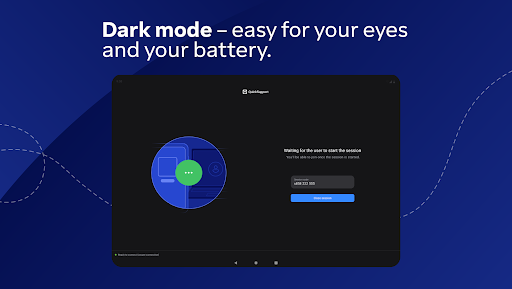
Click to download now, finish the installation quickly, and directly unlock the all-round experience
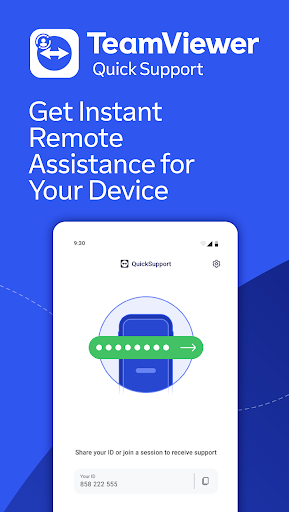
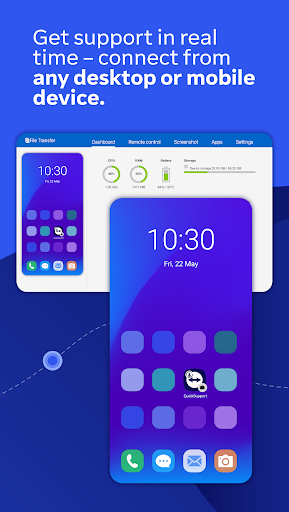
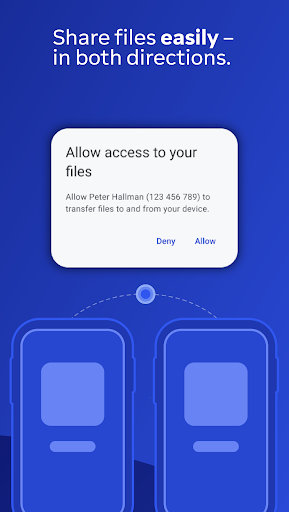
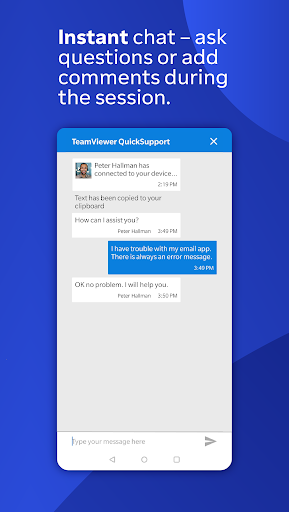
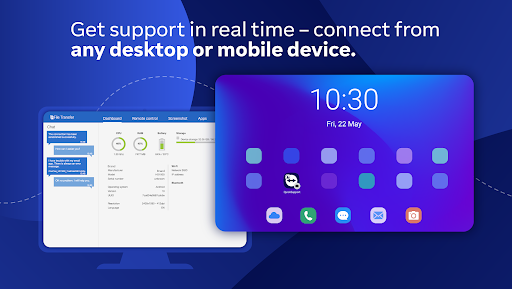
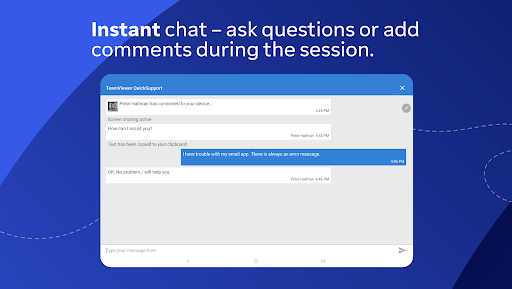
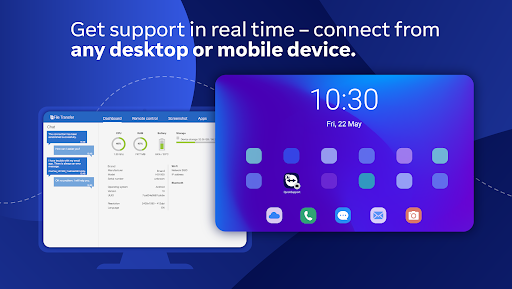
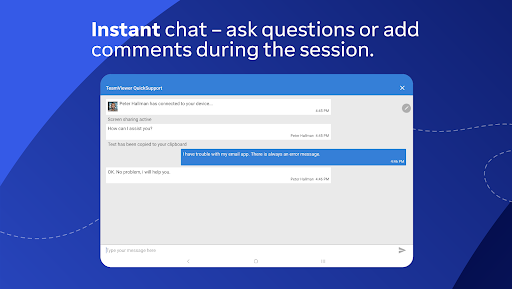
TeamViewer QuickSupport lets a trusted support person connect to your phone or tablet to help diagnose a problem. Depending on the device and available permissions, they can view the screen, provide remote control, exchange files, chat, and inspect device information. It suits people who need hands-on help from an IT team, family member, or other support contact—not people looking for a general-purpose remote desktop app.
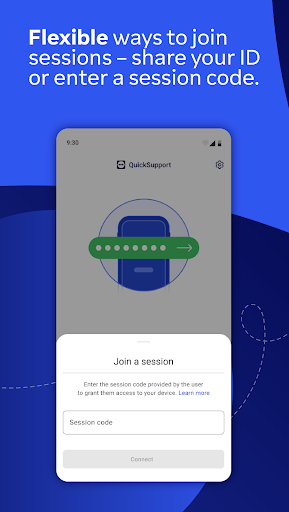
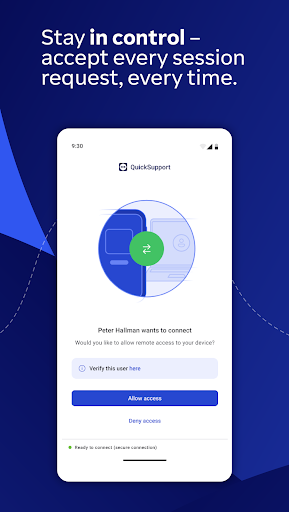
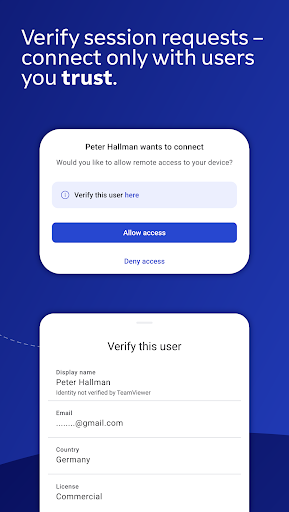
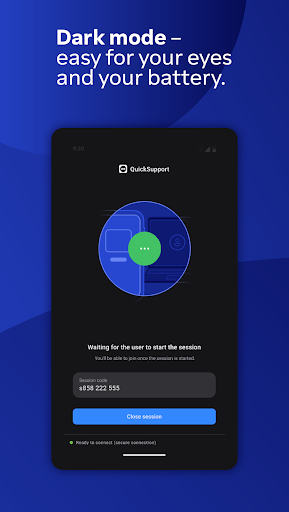
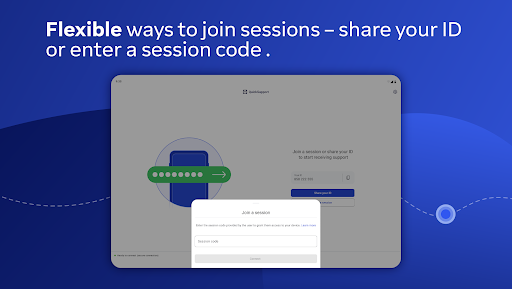
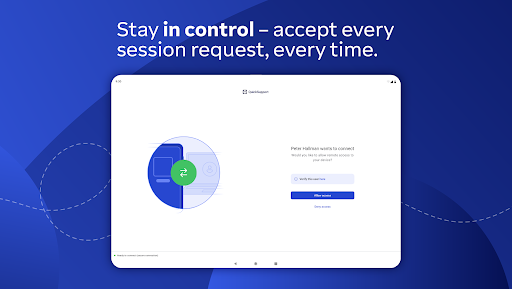
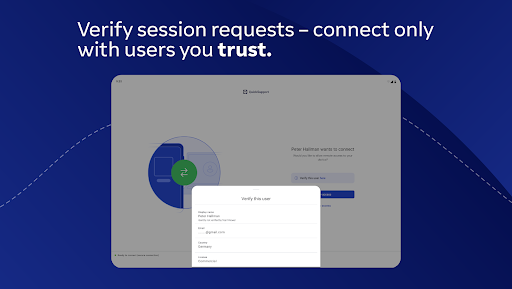
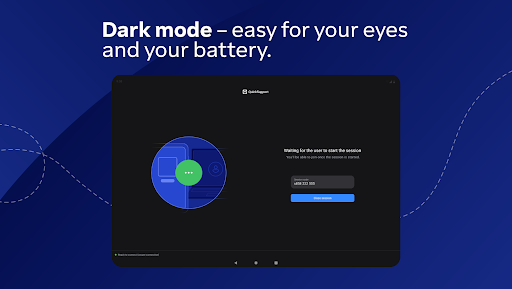
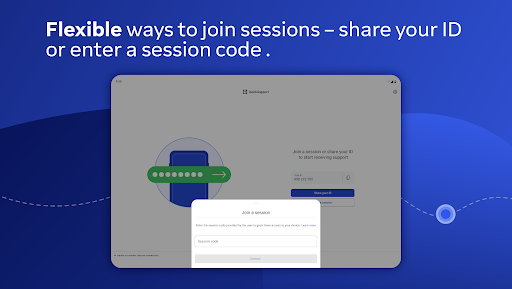
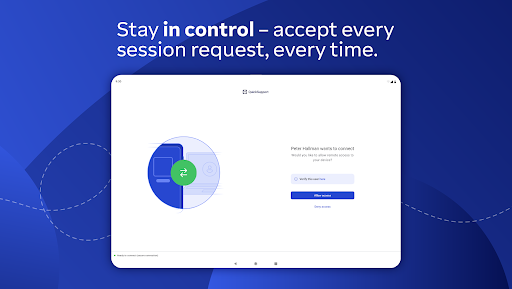
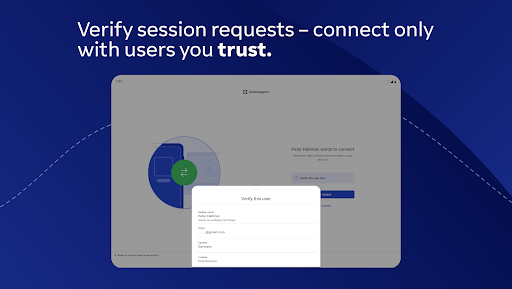
To begin a session, open the app and share its connection ID or enter a session code. The app needs to be open on screen, and you must accept each connection request. It also shows details about the person requesting access, such as their name and country, which can help you check who is on the other end. Those checks are useful, but they do not replace choosing someone you trust.
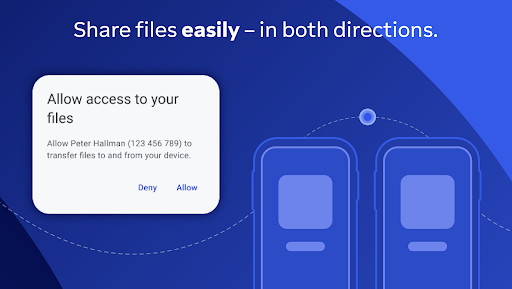
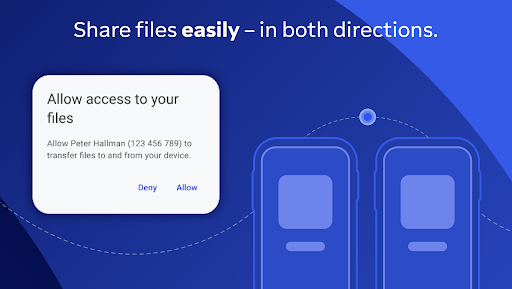
The main cost is not a listed purchase price; it is the access you grant during a support session. A connected helper may be able to see sensitive information on screen, and some supported functions include file transfers or changes to Wi-Fi settings. Close the session when help is finished, and avoid approving unexpected requests or displaying private messages and account details while connected.
The app also has a small ongoing attention cost: you need to be present to start and approve a session. It may be worth keeping for occasional troubleshooting, but it is less useful if you rarely need remote assistance. The supplied listing gives it a 4.33 out of 5 rating from about 164,000 reviews, with 50 million-plus installs. Those figures show broad use, not a guarantee that every device supports every remote-control feature.
QuickSupport is a practical choice when you want a known person or support team to guide you through a device issue. If you do not expect to use remote support, the app’s permissions and storage are a cost without much return. Developer: TeamViewer.