
Advertisement
Click to download now, finish the installation quickly, and directly unlock the all-round experience
Advertisement
Screenshots


Click to download now, finish the installation quickly, and directly unlock the all-round experience
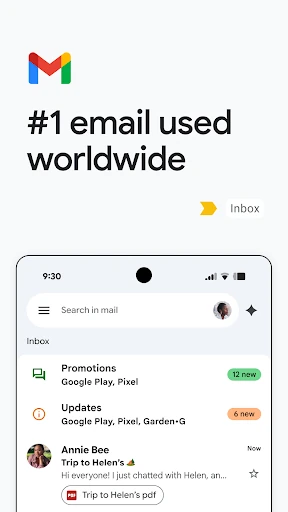
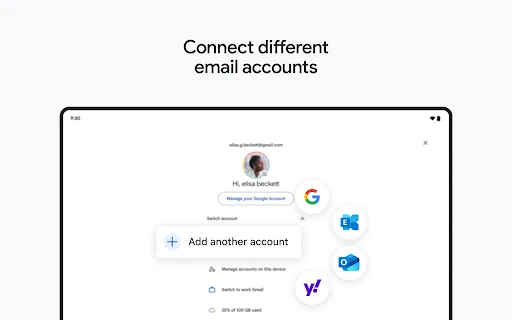
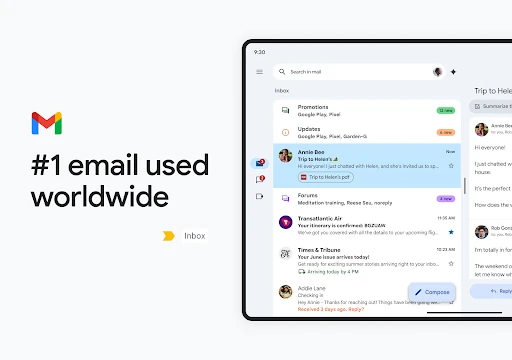
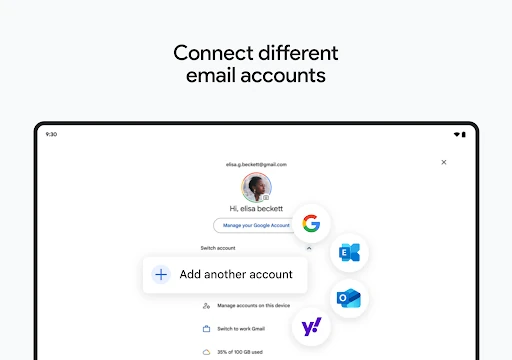
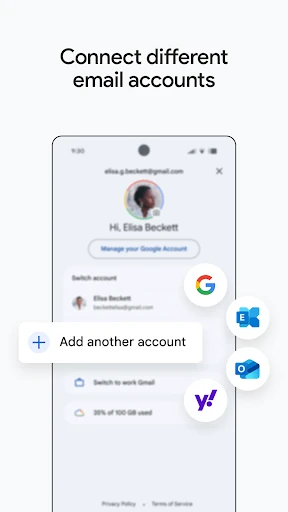
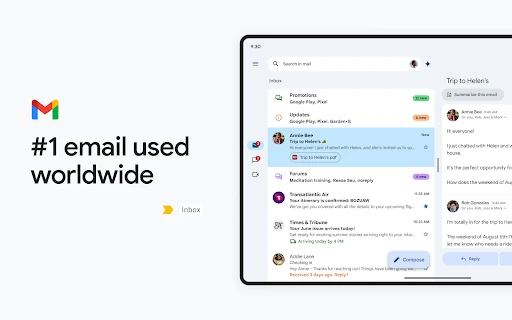
Gmail lets you read, send and organise email, with support for multiple accounts, including accounts from other email providers. It suits people who manage personal and work messages on one phone, or who need to search older conversations rather than keep everything in view. Google LLC makes the app. Its 4.1-star rating across about 14.2 million ratings and 10 billion-plus installs show how widely it is used, though popularity alone does not make it the right fit for every inbox.
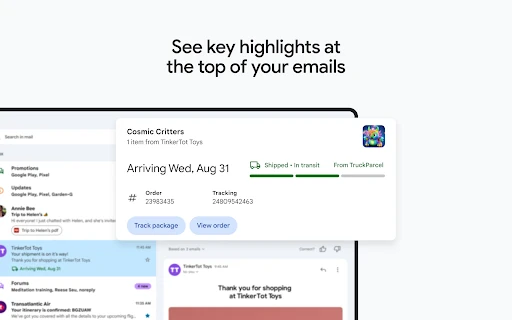
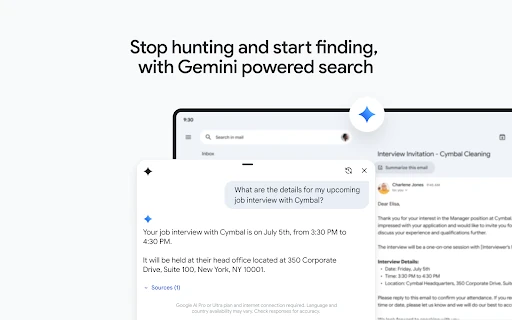
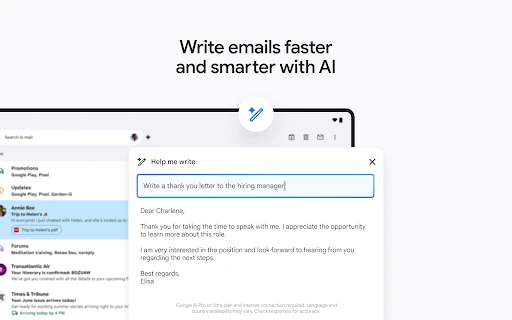
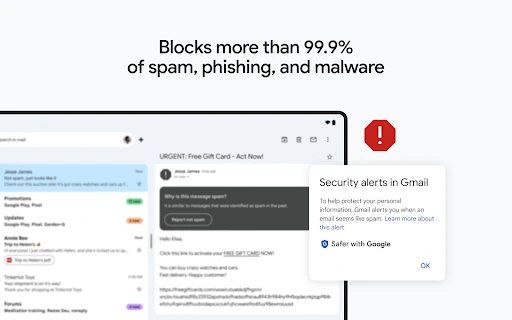
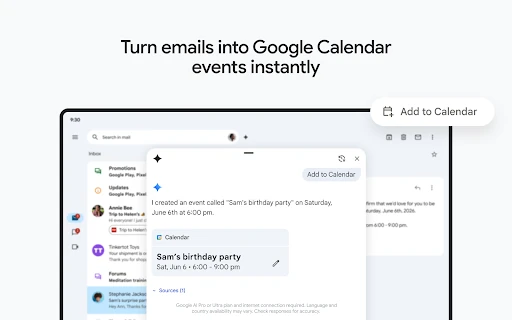
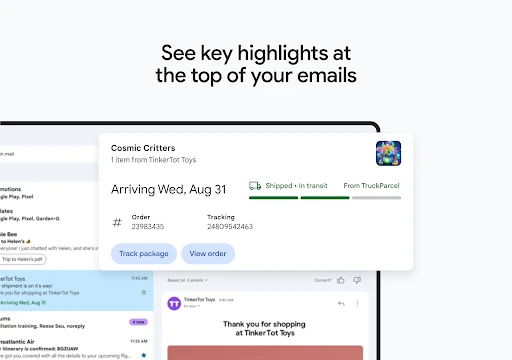
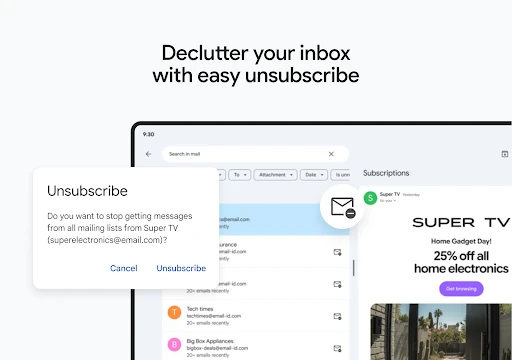
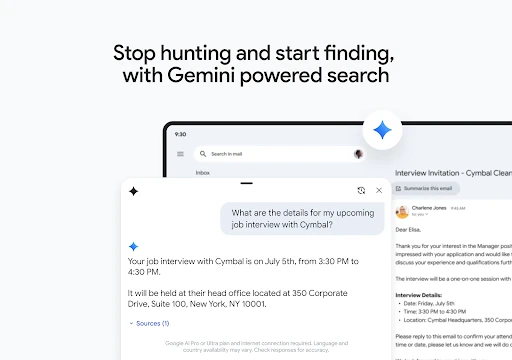
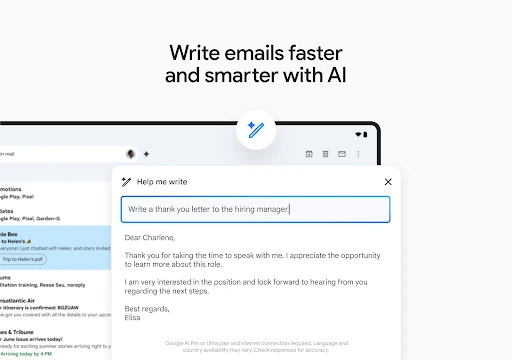
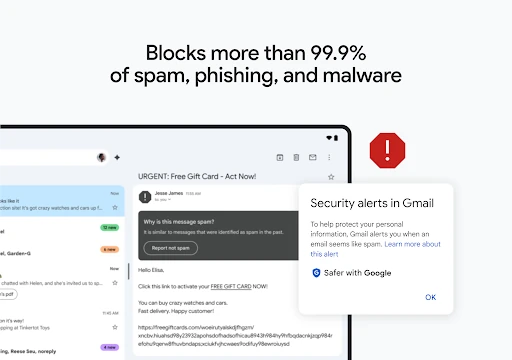
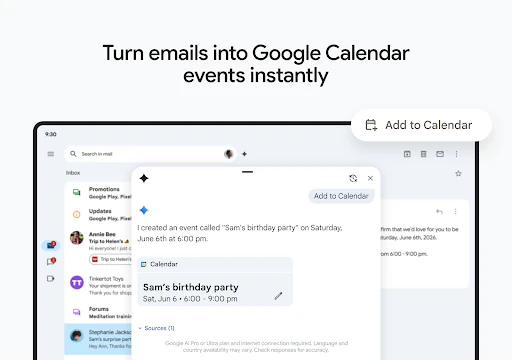
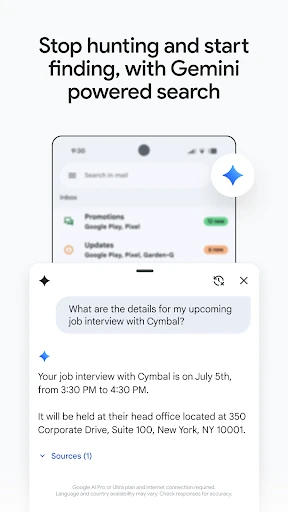
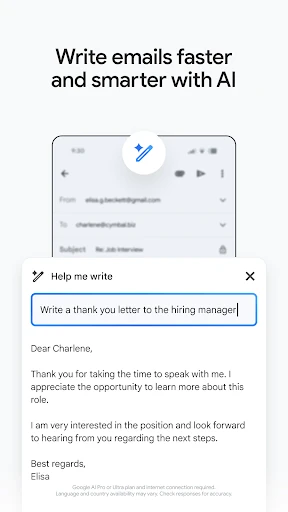
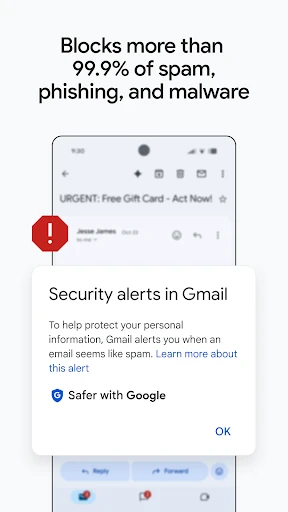
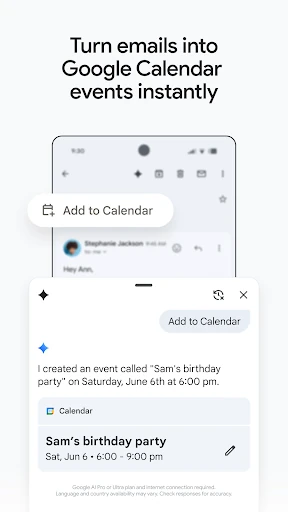
Search helps retrieve messages, while spam and phishing filters reduce the amount of unwanted mail you have to sort through. Gmail can also connect email with Google services such as Calendar, Chat and Meet, so it may be useful if those are already part of your routine. Some setups offer writing or reply suggestions; their availability can depend on the account and service access.
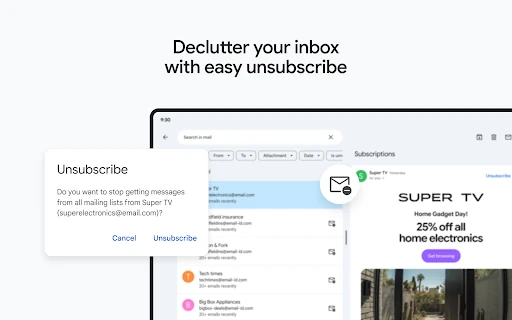
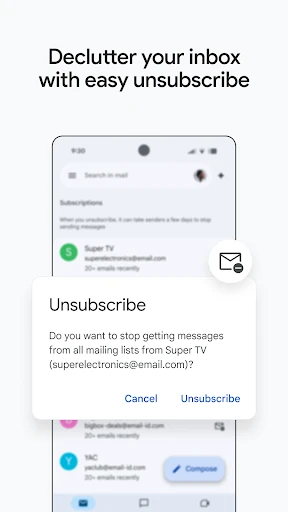
Email is a steady claim on attention: notifications and new messages can pull you back into the app, and a larger inbox can take time to manage. Using Gmail also means keeping email and account activity within Google’s services. Consider whether you are comfortable with that relationship and check the relevant account and privacy settings. The app also occupies storage, while messages and attachments may add to the space used by your account.
Gmail is a practical choice if you want searchable email, spam filtering and links to Google’s communication tools in one place. It is less compelling if you want a minimal email client, fewer prompts to check messages, or to avoid relying on a Google account. Before choosing it, weigh the convenience against the attention, data and storage that managing another inbox requires.